
Request to become a unit’s tenant
Open My Tenancy, choose Add another unit or use the request form, select the property and unit, and enter your proposed lease start, end, monthly rent and optional deposit. If the unit’s owner is already on Smart Studios the request goes to their Tenants tab. If not, add their email or phone and they are invited to join first.
Before you start
- A Smart Studios account you can sign in to
- The property and unit number you want to rent
- Your proposed lease dates, monthly rent and, optionally, a security deposit
- If the owner is not yet on Smart Studios: their email or phone number
- Choose the property and unit
Pick the property first, then search for the unit by its number. Dashes and spaces do not matter, and the type and floor chips narrow the list. The form tells you whether that unit already has an owner on Smart Studios, which decides where your request goes.
Units their owner has marked Self use are not offered for tenancy, so they do not appear here.
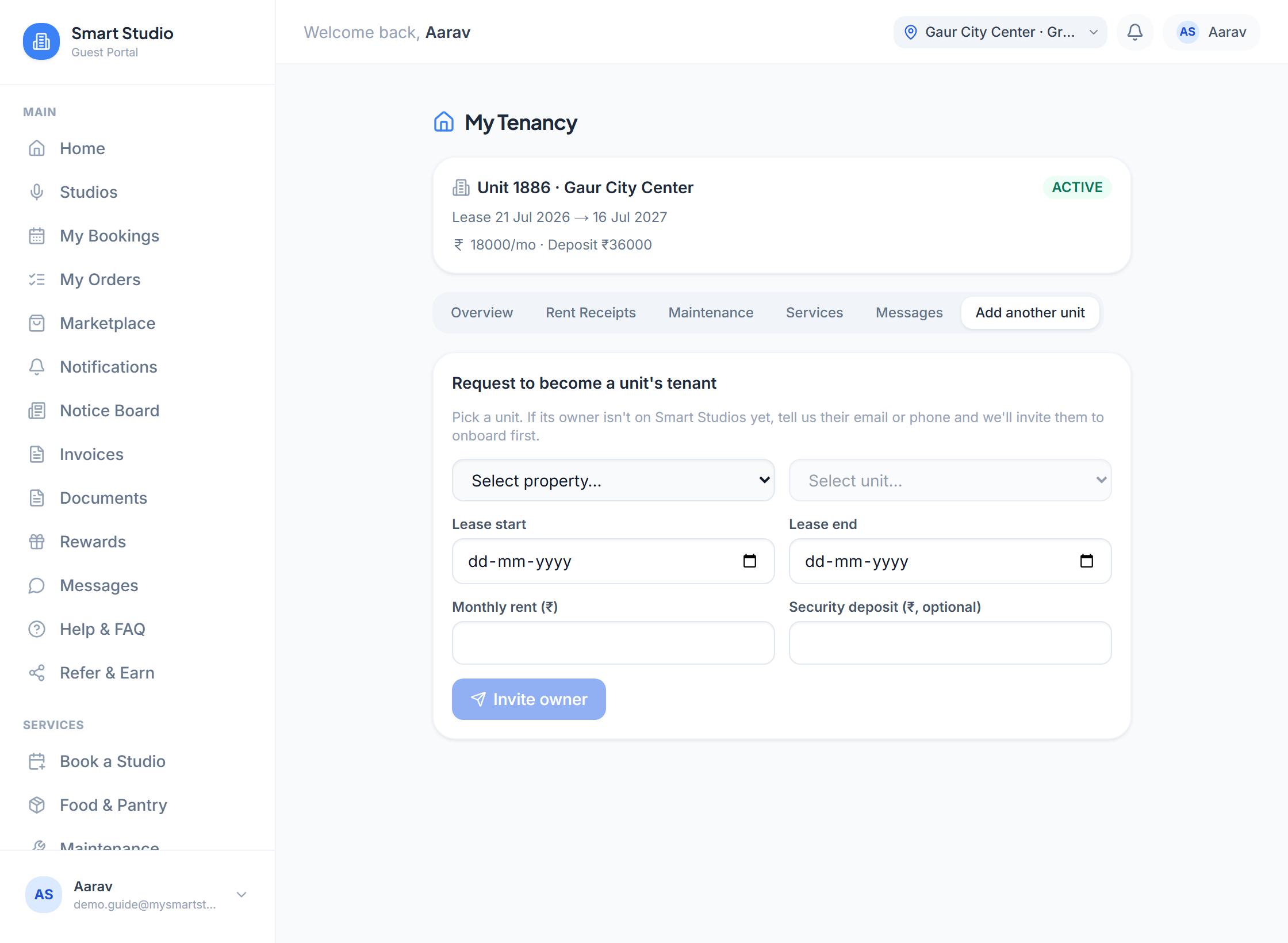
The request form. Choose the property first, then the unit. - Add the owner’s contact, if needed
When the unit has no owner on the platform yet, enter their email, phone or both. They receive an invitation to onboard, and you can also send the invitation yourself over WhatsApp.
What this screen needs from you
What you enter Required Format Example Owner’s emailGive at least one of email or phone when the owner is not yet registered. Optional name@example.com owner@example.comOwner’s phoneUsed for the WhatsApp invitation link. Optional 10-digit mobile 98765 43210 - Propose the lease
Enter the terms you are asking for. These are a proposal, and your owner decides.
What this screen needs from you
What you enter Required Format Example Lease start Required Date 1 Oct 2026Lease end Required Date, after the start 30 Sep 2027Monthly rent Required Rupees, more than 0 18000Security deposit Optional Rupees 36000 - Follow the request
Under Your requests each one shows its state: waiting for the owner to join, waiting for approval, approved or rejected. A rejection shows the owner’s reason.
What happens next
- The owner is notified, by email when we have their address
- Once the owner approves, your tenancy is created and you verify your identity to activate it
- Nothing is charged by making a request
If something goes wrong
- My unit is not in the list
- Only units on Smart Studios appear. Ask the owner to list the unit through Claim Your Unit first.
- The request says waiting for the owner to join
- The owner has not onboarded yet. Use Send via WhatsApp on the confirmation to nudge them.
- My request was rejected
- Read the reason shown on it, then submit a new request with adjusted terms.