
Add money to your wallet and see what is pending
Open Wallet in the portal, choose or type an amount and pay through Cashfree’s secure page. The balance is credited automatically once the payment succeeds. The wallet shows what is available, and any amount held for a pending order appears as pending.
- Open Wallet
The card at the top shows your available balance. If part of your money is held for an order that has not completed, it is shown as pending.
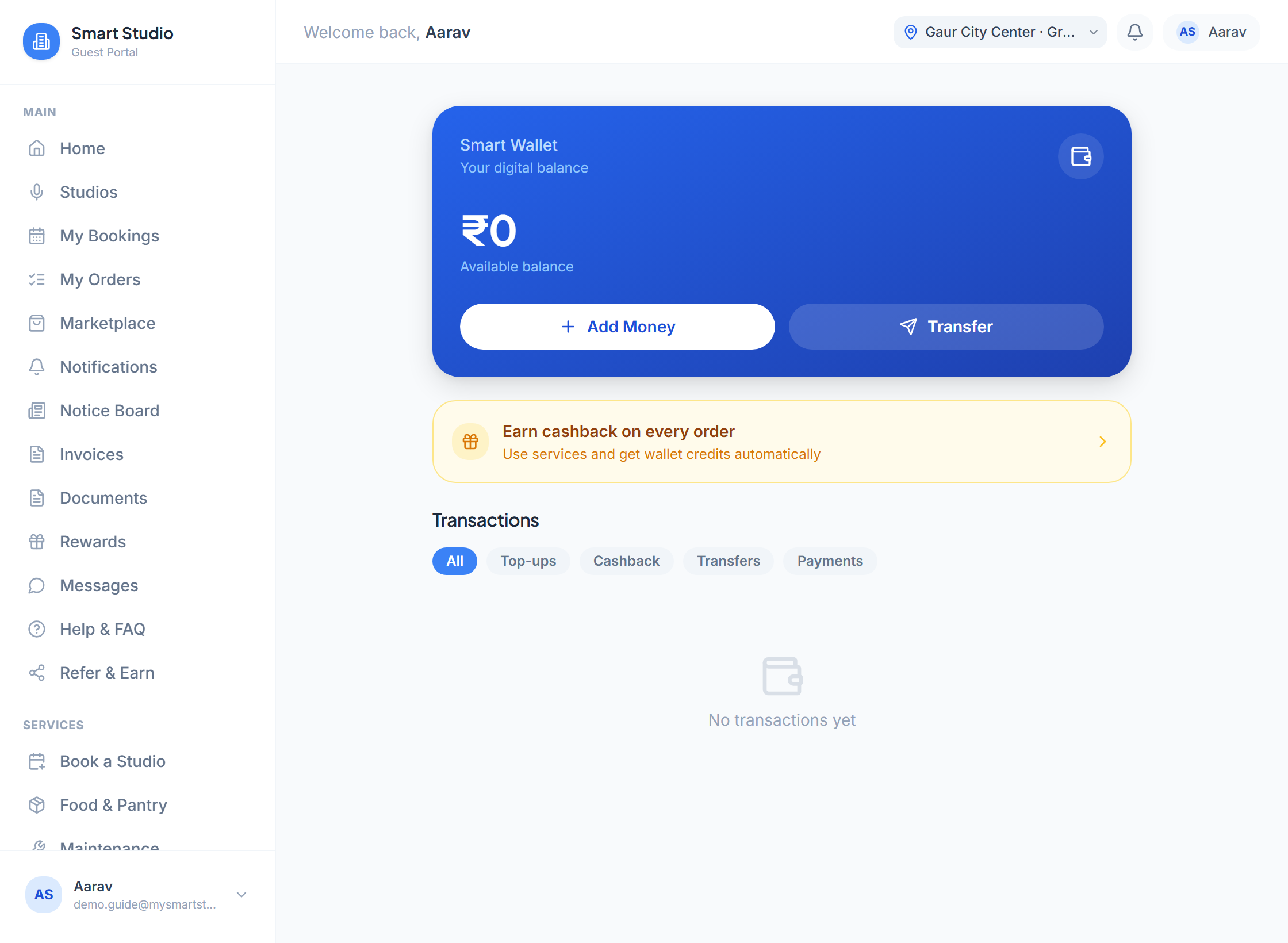
The wallet. Add Money starts a top-up; the filters below list top-ups, cashback, transfers and payments. - Choose an amount
Pick a preset amount or enter a custom one.
What this screen needs from you
What you enter Required Format Example Amount Required Rupees 5000 - Pay
You are redirected to Cashfree’s payment page. Your balance is credited automatically when the payment succeeds.
The wallet pays for recurring bookings and some services. Unit owners also see a Transfer Balance option to move balance to members of their unit.
If something goes wrong
- I paid but my balance did not change
- Give it a minute and refresh. If it is still missing, message support with the payment reference from your bank or Cashfree receipt.